
 BeforeAfter
Wheel refinishing
See curb rash give way to a clean, even graphite finish.
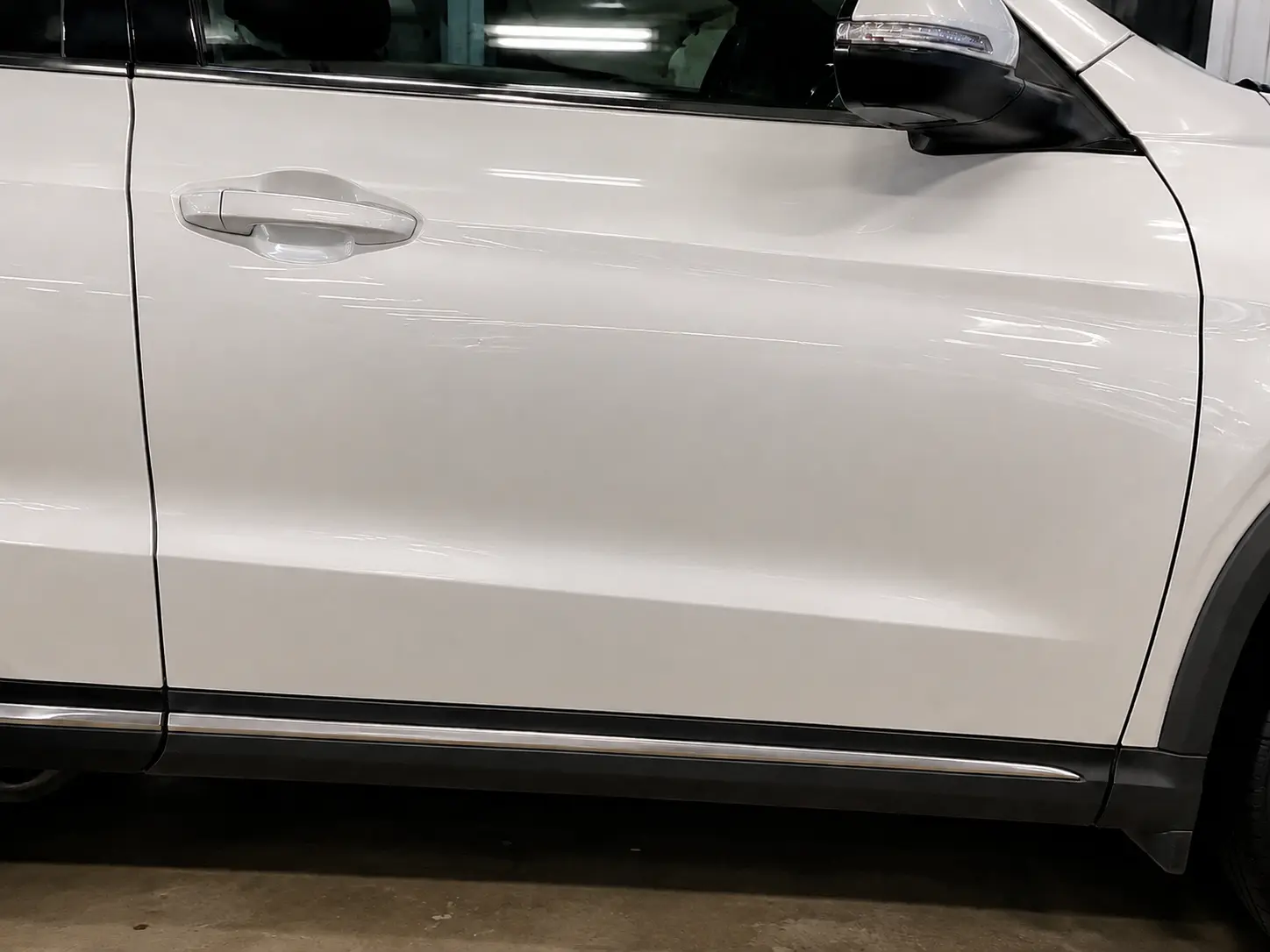
 BeforeAfter
Door dent, repaired through ReconXchangeDrag to compare
ReconXchange
Describe what happened, compare real quotes from qualified local pros, and book the one you want.
Start by telling us what happened. No account needed until you send a request.
ReconXchange is new, so there may not be a Pro near you yet — you can still describe the job and see who offers it.
Already have an account? Sign in·Browse Pros
See the difference
Drag across each image to compare examples of the work available through the marketplace.
BeforeAfterSee curb rash give way to a clean, even graphite finish.

 BeforeAfter
Compare a cloudy, oxidized lens with the restored clear result.
Example repairs are shown for illustration and are not attributed to a specific ReconXchange Pro. Results vary by vehicle and damage.
How it works
Search in everyday terms—from a door ding to a cloudy headlight or worn interior.
Review services, coverage, ratings, work examples, and starting prices in one place.
Open the provider profile and send the details they need to follow up on your request.
Explore providers

5.0 · 2 reviews
Pasco and Surrounding Counties · Mobile
Comes to you
From $90
5.0 · 1 reviews
Restore as it never happened!
Mobile
Comes to you
From $30
New
Tampa and surrounding areas · Mobile
Comes to you
New
Mobile
Comes to you
Only providers approved for the marketplace appear in public search.
Location and service filters help narrow the list to Pros who fit the job.
Provider profiles can show service details and approved portfolio examples.
Compare ratings, availability, coverage, and starting prices when provided.
One marketplace
For customers
For Pros
Frequently asked questions
ReconXchange focuses on automotive appearance and reconditioning work, including dents, paint correction, wheel repair, headlight restoration, interior cleaning, coatings, glass, and related services.
Not every provider works the same way. Look for the mobile-service information and service area on each profile, then include your location when you send a request.
Compare the services they offer, their coverage area, ratings and review count, starting prices, availability, and any work examples included on their profile.
Search for the service you need, open a provider profile, and select “Request work.” The request form collects the job details the Pro needs to review it.
Create a Pro account and complete the marketplace application with business details, services, coverage, credentials, and your own work images. The profile is reviewed before it appears publicly.